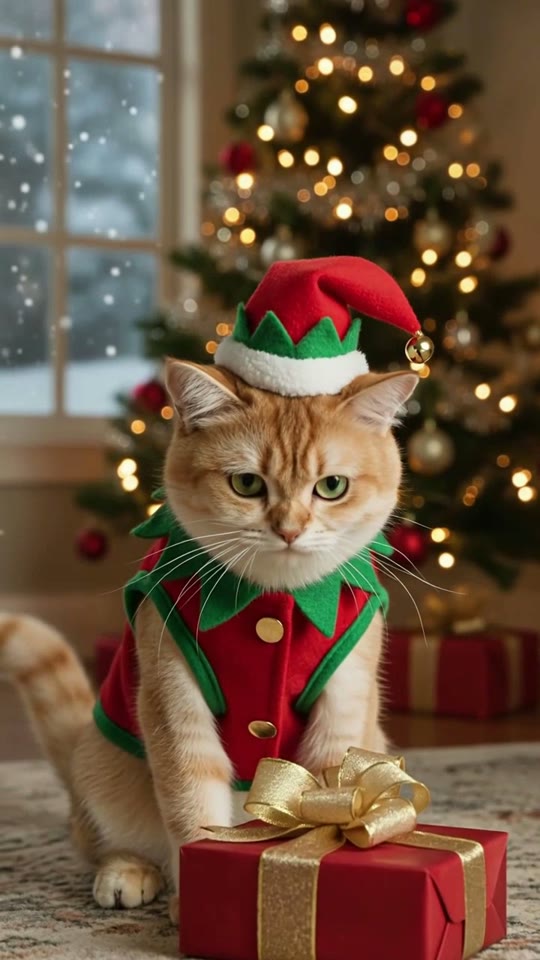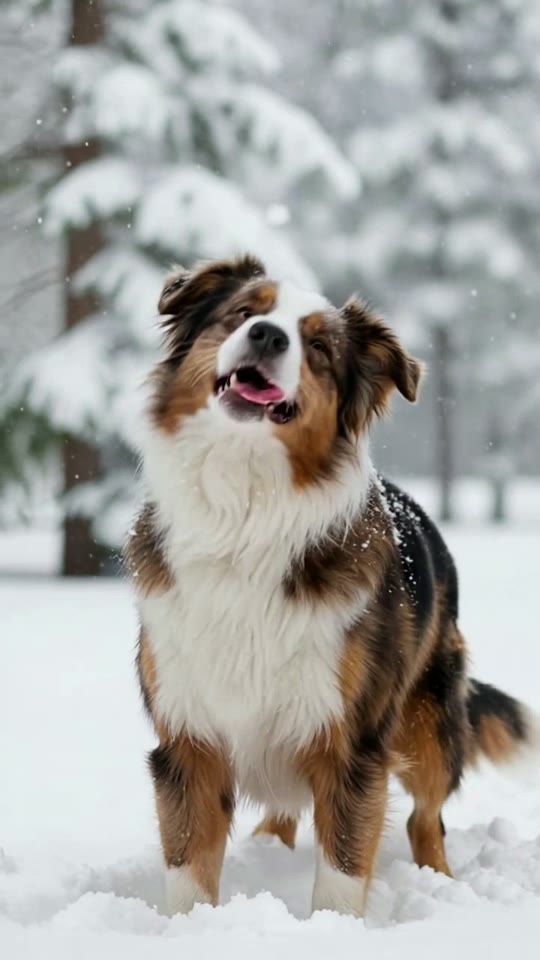
New Year Countdown AI pet video
Your pet in a party hat rings in the New Year under the fireworks.
- 20 credits
- 5-second video
- Vertical 9:16, ready for TikTok and Reels
One photo is all you need. Ready in about 2–5 minutes, and credits are refunded if it fails.
Holiday videos are some of the most shared pet posts of the year. Turn one photo into a seasonal clip your friends will love, then post it as a greeting or add it to your holiday story.
How it works
- 1
Choose a template
Pick the scene you want, like a birthday party where your pet walks out to greet you.
- 2
Upload one photo
A single clear photo of your pet is enough. The AI aims to keep its breed, colors and markings, and you can check the result before sharing.
- 3
Download and share
Your video is ready in a few minutes. Download the MP4 and share it anywhere.
Frequently asked questions
- How do I make a New Year Countdown video of my pet?
- Upload one clear photo of your pet, choose the New Year Countdown template and click Generate. Your video is usually ready in 2–5 minutes, and you can download it as an MP4.
- How much does this template cost?
- This template uses 20 credits. If a generation fails, the credits are refunded automatically.
- Is petvideo.app free?
- Yes, you can start for free. Each new account gets 30 free credits once, valid for 30 days and enough for one template video. No credit card is needed. Videos made with free credits are the same 720p quality with no watermark. After that, credit packs start at $2.99.
- Which pets work best?
- Dogs and cats give the most reliable results, and other pets usually work too. Use a clear, well-lit photo where your pet's face and body are visible.